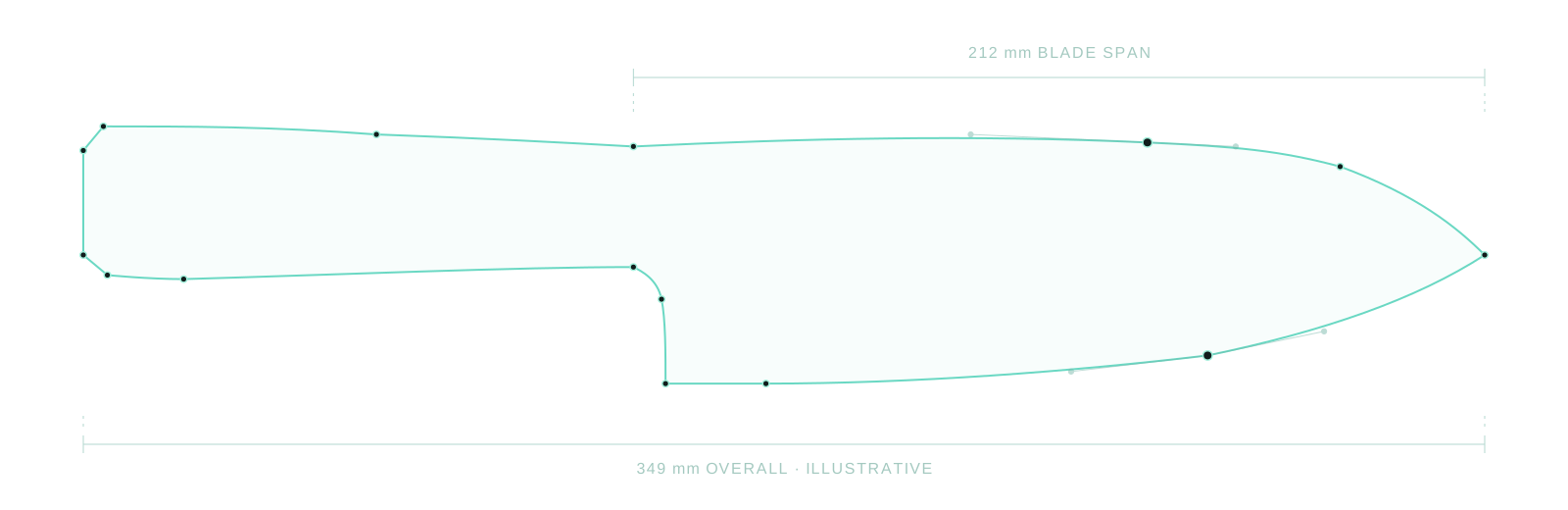
A starting profile
Adjust a shape to suit your idea.

FOR KNIFEMAKERS & KNIFE ENTHUSIASTS
Refine the blade and handle. Compare materials on your own design.
Keep an editable project and prepare steel outlines — all in your browser.
Invited access · Current Studio: Slovak · English planned
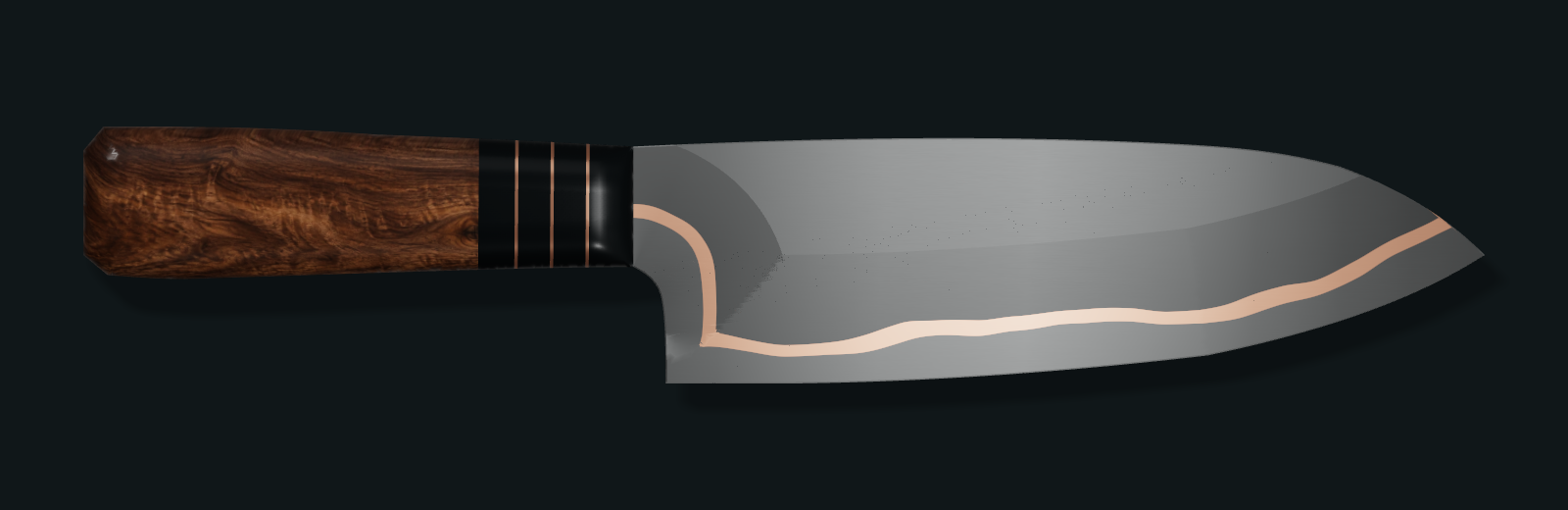
Drag to compare Same design. Two views.
Actual Studio renderSEE YOUR DECISIONS TAKE SHAPE
Refine a curve, change a material or inspect the steel beneath the handle. These short recordings show the actual Studio at work.
Adjust a curve, see the profile change, then undo to compare.
This clip could not play. The Studio screenshot and written steps are still available.
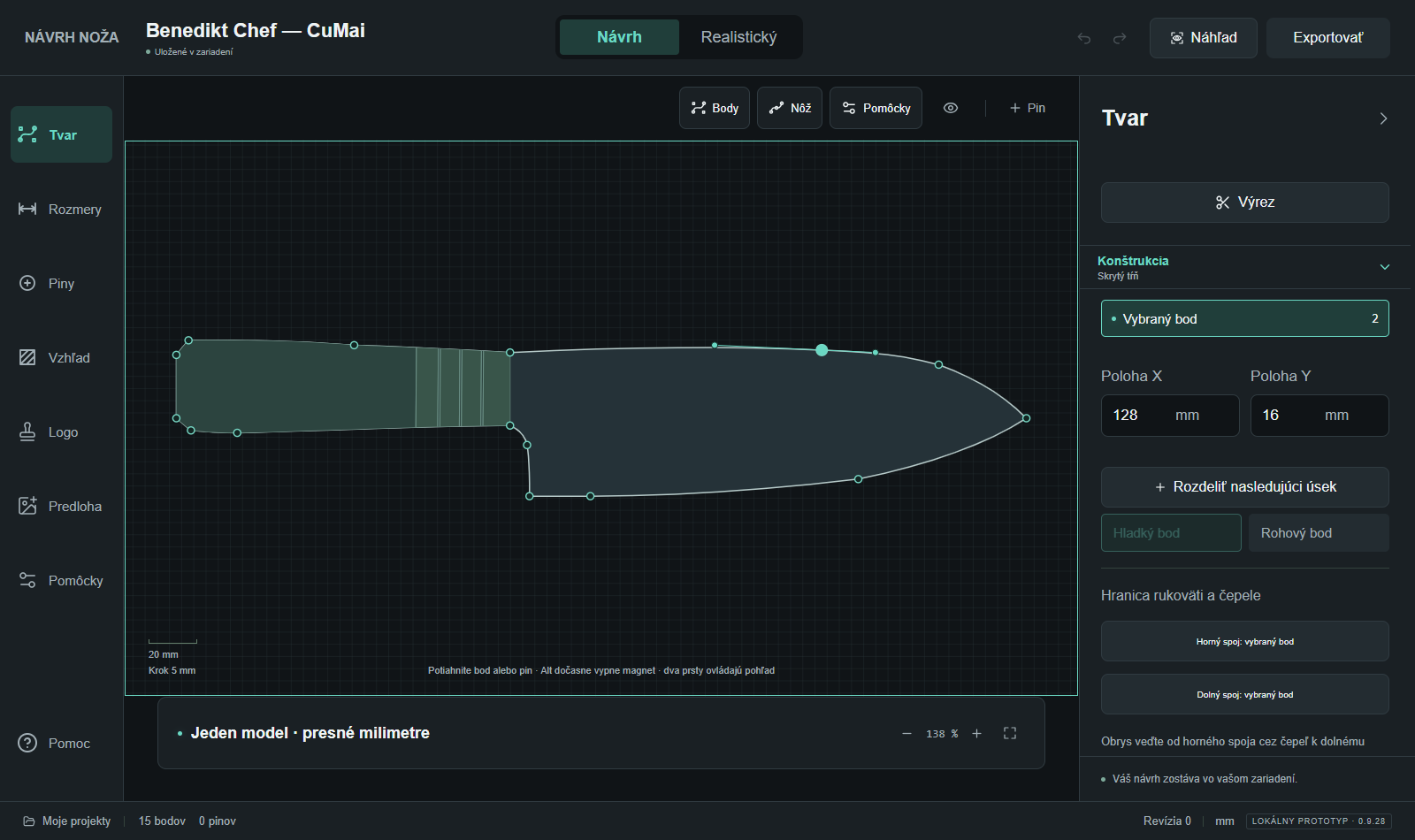
Refine the blade and handle with editable points and curves. Set the proportions in millimetres.
Real editing, recorded in Studio. Each clip has English captions.
Current interface: Slovak · English is planned.
Adjust a shape to suit your idea.
Build the blade and handle with editable curves.
Work from a drawing or photo with a known dimension.
EXPLORE THE LOOK BEFORE MAKING
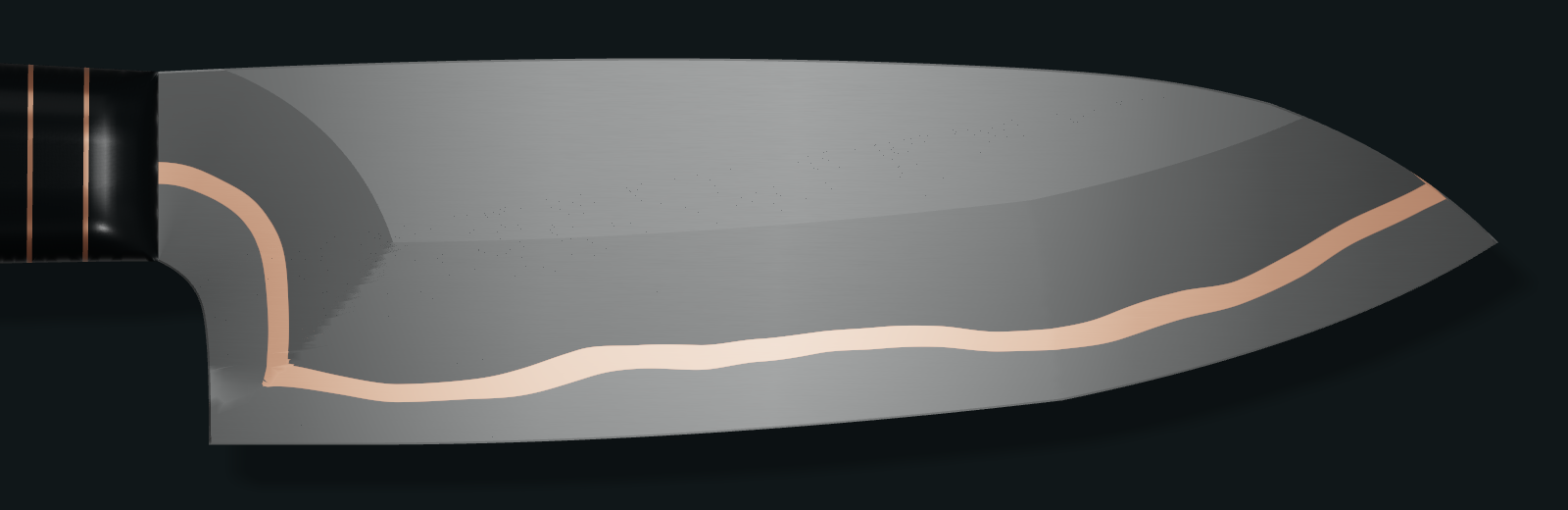
Compare steel finishes, handle materials and spacers on the profile you are designing. Keep the geometry while exploring the appearance.
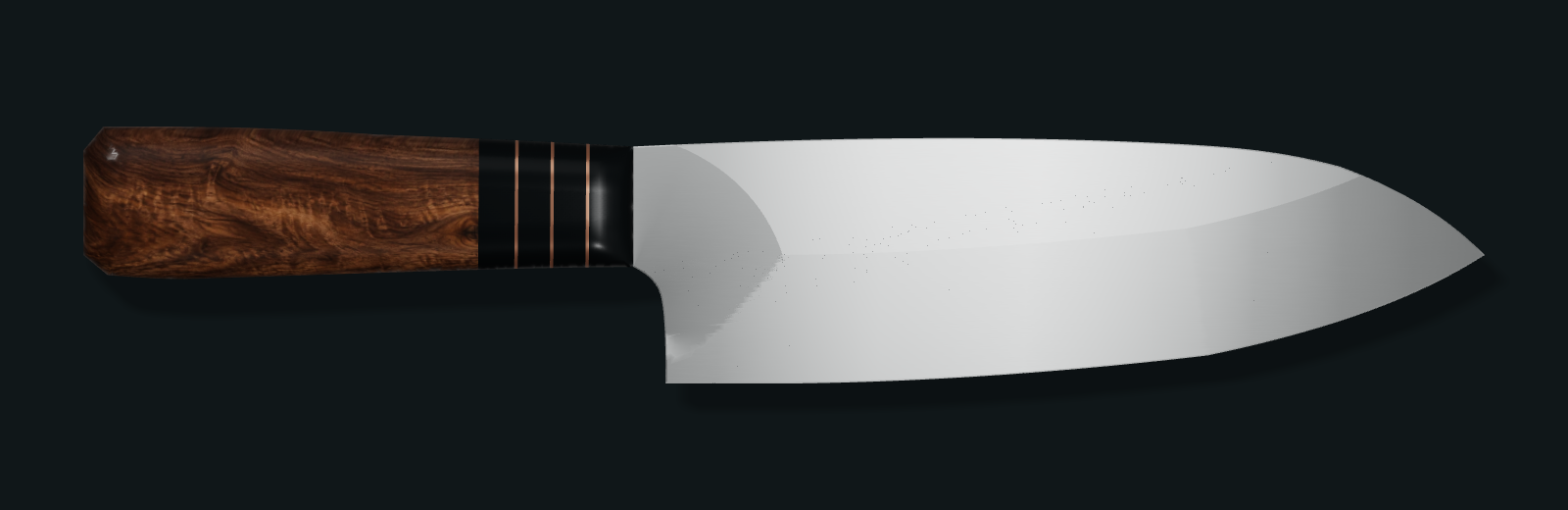
LOOK A LITTLE CLOSER
Explore CuMai, other laminated steels and custom layer stacks. Combine the blade finish, grind and handle materials in one view.
Material previews help you compare visual choices. Real materials and manufacturing results will vary.
A DEDICATED KNIFEMAKER’S TOOLKIT
Begin with the outline.
Go deeper when your design needs it.
Edit points and curves, then set blade and handle dimensions in millimetres.
Shape the steel beneath the handle and position pins, nominal holes and cutouts.
Compare grind styles, blade finishes and supported steel layer stacks.
Explore handle materials, joints and spacers, then place your own logo.
Place variants on the same canvas to compare their shape and appearance.
Download a project file or export steel outlines and nominal holes as SVG or DXF for review.
KEEP THE DESIGN. USE THE GEOMETRY.
Return to an editable project, inspect the steel outline in another tool or prepare a scale print. These example files show what Studio produces.
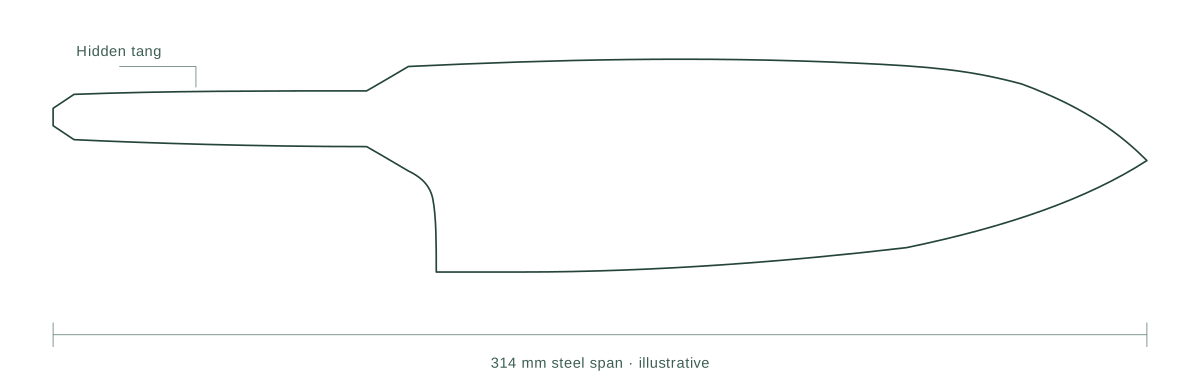
Your points, dimensions and appearance stay editable in Studio.
Download example projectA digital blade and hidden-tang profile to review in your next tool.
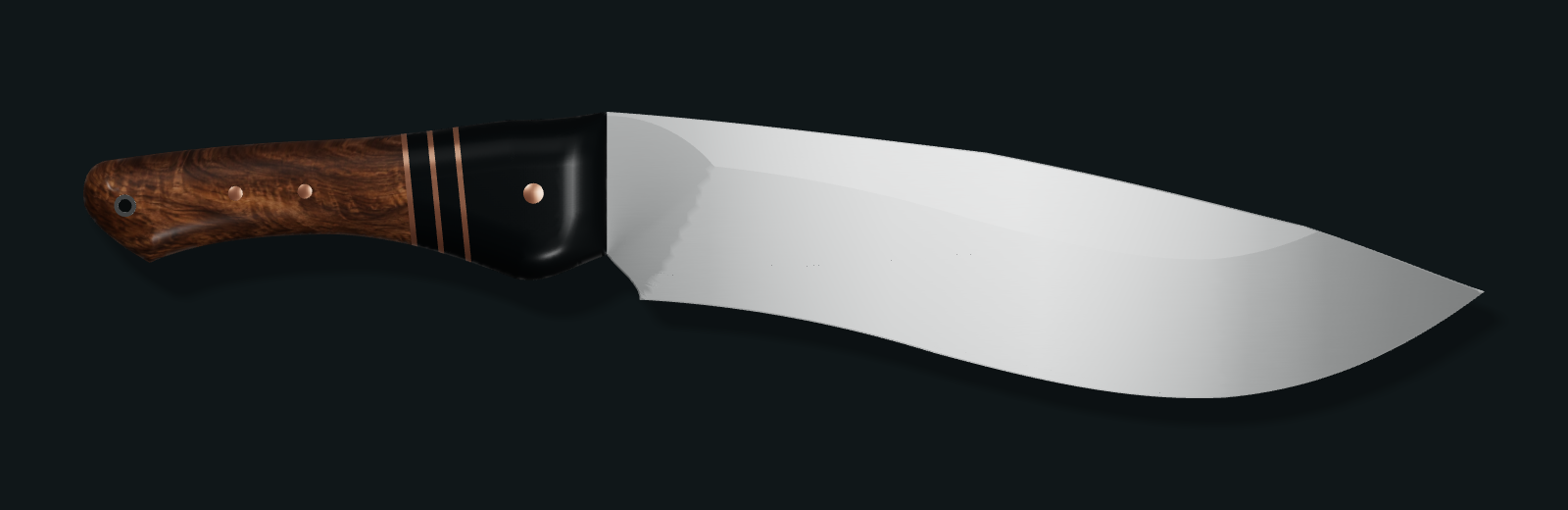
These demonstration studies have illustrative dimensions and construction; they are not measured manufacturing drawings of the photographed knives. Check dimensions, tolerances and processes before making. Project files open in Studio; SVG and DXF can be inspected in compatible design software.
CREATED BY BENEDIKT KNIVES
For professional knifemakers, hobby makers and anyone who wants to work through a knife design of their own.
The examples show Studio’s design and preview tools. Their profiles and dimensions are demonstration studies, not final production specifications.
TRIAL & SUBSCRIPTION
Shape your knife, explore materials and prepare your own outputs. One feature set, with monthly flexibility or a lower cost for a full year.
YOUR KNIFE, FROM IDEA TO OUTLINE
Bring the profile, materials and dimensions together in one editable design.
€19/ monthexcl. VAT
€23.37 incl. VAT · Slovak 23% example
Billed monthly.
All included tools, one month at a time.
€144/ yearexcl. VAT
€177.12 incl. VAT · Slovak 23% example
Billed annually, upfront.
Equivalent to €12 / month excl. VAT€14.76 incl. VAT · monthly equivalent
Yearly saves €84 / year excl. VAT
≈ 37% less than 12 monthly payments.Pricing preview. Trial and checkout are not live here.
VAT-inclusive examples use the Slovak 23% rate. Final tax depends on customer location and seller status. Pricing preview; checkout not yet available. Get started explains the current access options.
Your subscription renews automatically at the chosen interval. Turn off renewal to stop the next charge; your paid access continues until the end of the current billing period.
THE PLANNED TRIAL
Public trial access is being prepared. In the proposed model, you create an account and verify your email, then explicitly start the trial with your first personal project. Creating an account alone does not start the clock.
Get startedDraft terms of serviceWithdrawal information · draft
The current Studio saves projects in your browser. Download backups; clearing browser data can remove local projects. An account in this proposed model does not promise cloud storage or sync.
BEFORE YOU BEGIN
Access is currently for invited testers. If you already have access, you can sign in to the existing Studio. Public registration and trial access are being prepared. See the current access options.
Yes. Adjust a starting shape, draw your own editable outline or work from an image reference with a known dimension. The guide shows what to focus on first.
Projects are stored in the browser you use. Download an editable project file for backup or transfer; clearing browser data can remove local projects.
In the proposed model, you can inspect fixed sample exports and download your editable project for backup. Manufacturing SVG/DXF and true 1:1 print/PDF of your own design unlock only after payment. Check dimensions, tolerances and processes before making.
The current focus is fixed-blade knives. Folding mechanisms and locks are outside the current scope.
The current Studio interface is Slovak. This website and guide are in English; English localization of Studio is planned. The demonstration recordings include English captions.
No. The proposed trial requires an account and a verified email address, but its 14 days start only when you explicitly choose to start the trial with your first personal project. Signing up or verifying your email does not start it. The trial allows one private project.
No payment card is required for the proposed trial, and it cannot automatically charge you. When the trial ends, you retain the project, can view it and download a backup. Continuing to edit and exporting your own manufacturing files require a paid subscription.
No. Yearly billing is one €144 excl. VAT payment upfront for a year (€177.12 incl. VAT using the Slovak 23% example). The €12/month equivalent (€14.76 incl. VAT in that example) is not a monthly instalment. Both billing periods include the same Knife Studio features. Yearly saves €84 excl. VAT — approximately 37% compared with 12 monthly payments.
The main prices are exclusive of VAT. Each price also shows an illustrative total using the Slovak 23% VAT rate. Final tax depends on customer location and seller status; these examples are not a universal tax rate or a checkout quote. This is a pricing preview with no active checkout.
The proposed subscription renews automatically at the monthly or yearly interval you choose. Turning renewal off stops the next renewal charge and preserves paid access until the end of the period already paid for. This website preview has no active subscription, payment or renewal controls.
BRING YOUR NEXT IDEA
Work through the shape, materials and details in one editable design.
See the current access options or follow the first-design guide.
Invited access today. Public registration and trial access are being prepared.
Have a question about Studio or an idea that could make it more useful?
info@myknifestudio.comMailbox activation has not been confirmed. Email links will be enabled after verification.
