
Your browser holds the projects.
The current Studio saves projects locally in the browser you use. Clearing browser data can remove them. Download editable backups regularly; an account does not imply cloud storage or sync.

YOUR FIRST DESIGN
Work through one knife, one decision at a time: the profile, the materials and the files you want to keep.
Studio currently has invited access and a Slovak interface. Public registration and trial access are being prepared; English localization is planned.
THE PROFILE
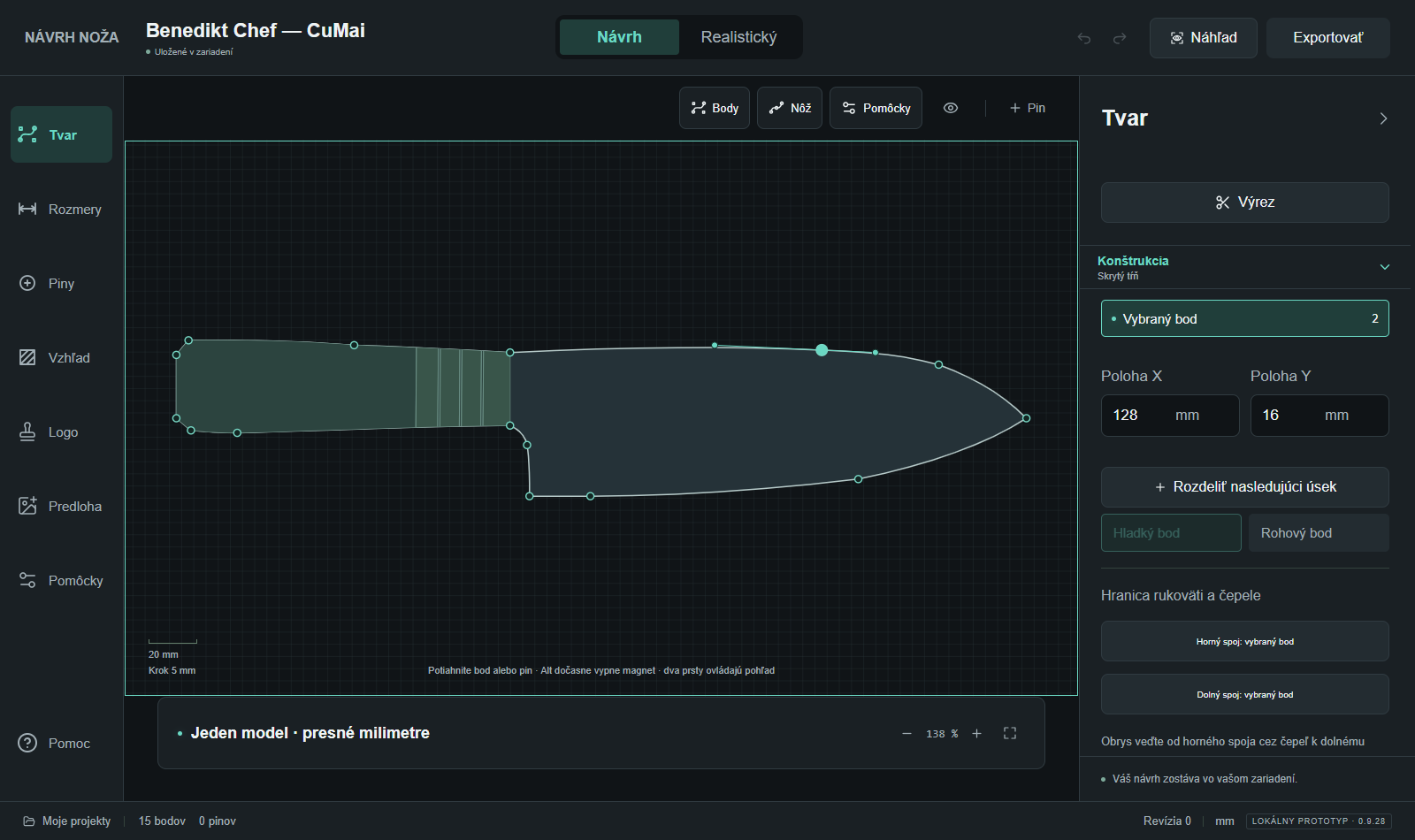
Begin with the silhouette. You can refine the finer details as the design develops.
In Moje projekty
(My projects), choose Nový návrh
(New design) to select a starting profile. You can also draw your own outline or work from an image reference with a known dimension.
Work in millimetres, then move points and adjust curves to refine the tip, edge and handle. Use undo to revisit a change.
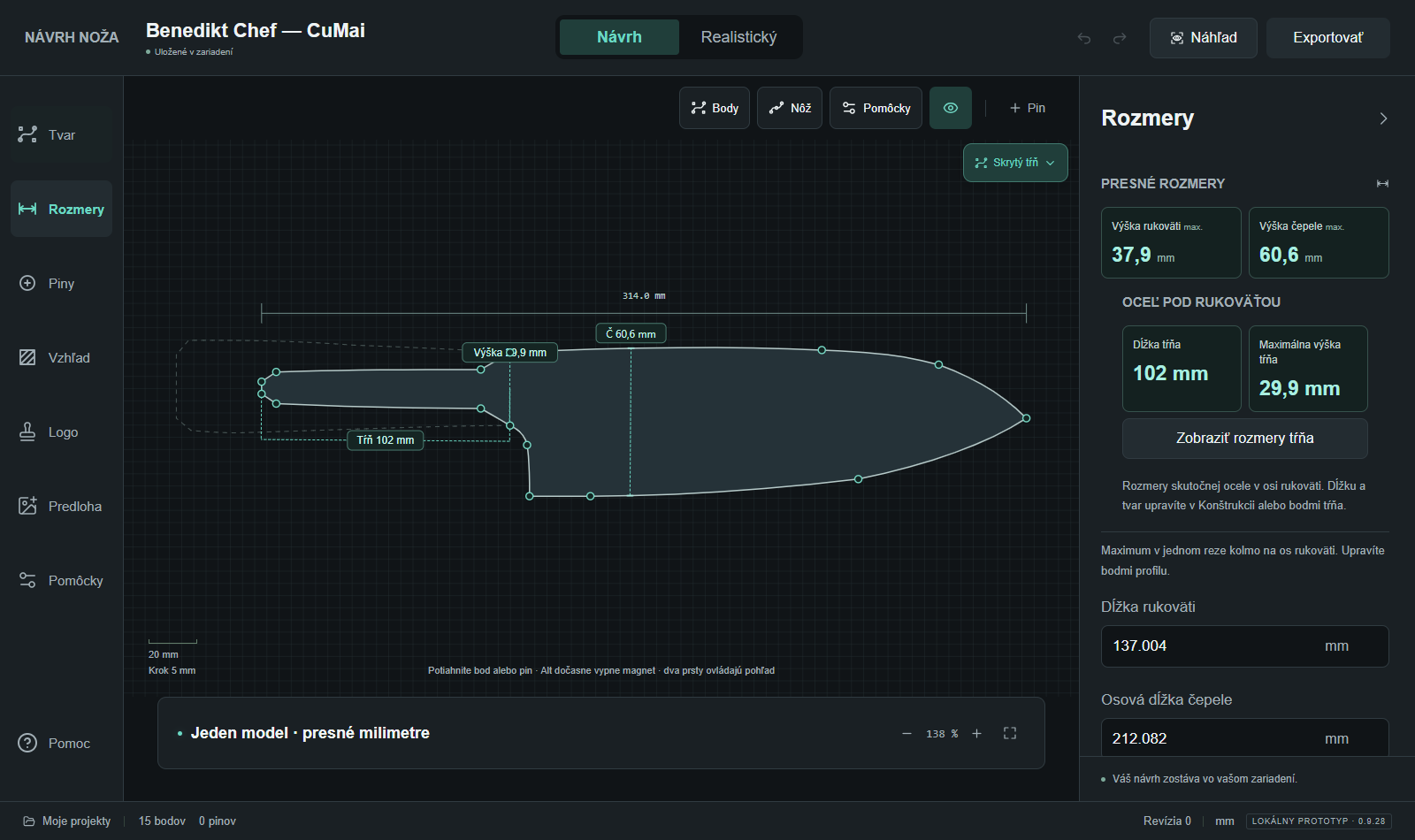
Inspect the tang and place pins, nominal holes or cutouts where your design needs them. Keep checking the overall proportions.
A useful first task: change one curve, inspect the result and save an editable backup before trying another direction.
THE APPEARANCE
See the blade and handle together before settling on a visual direction.
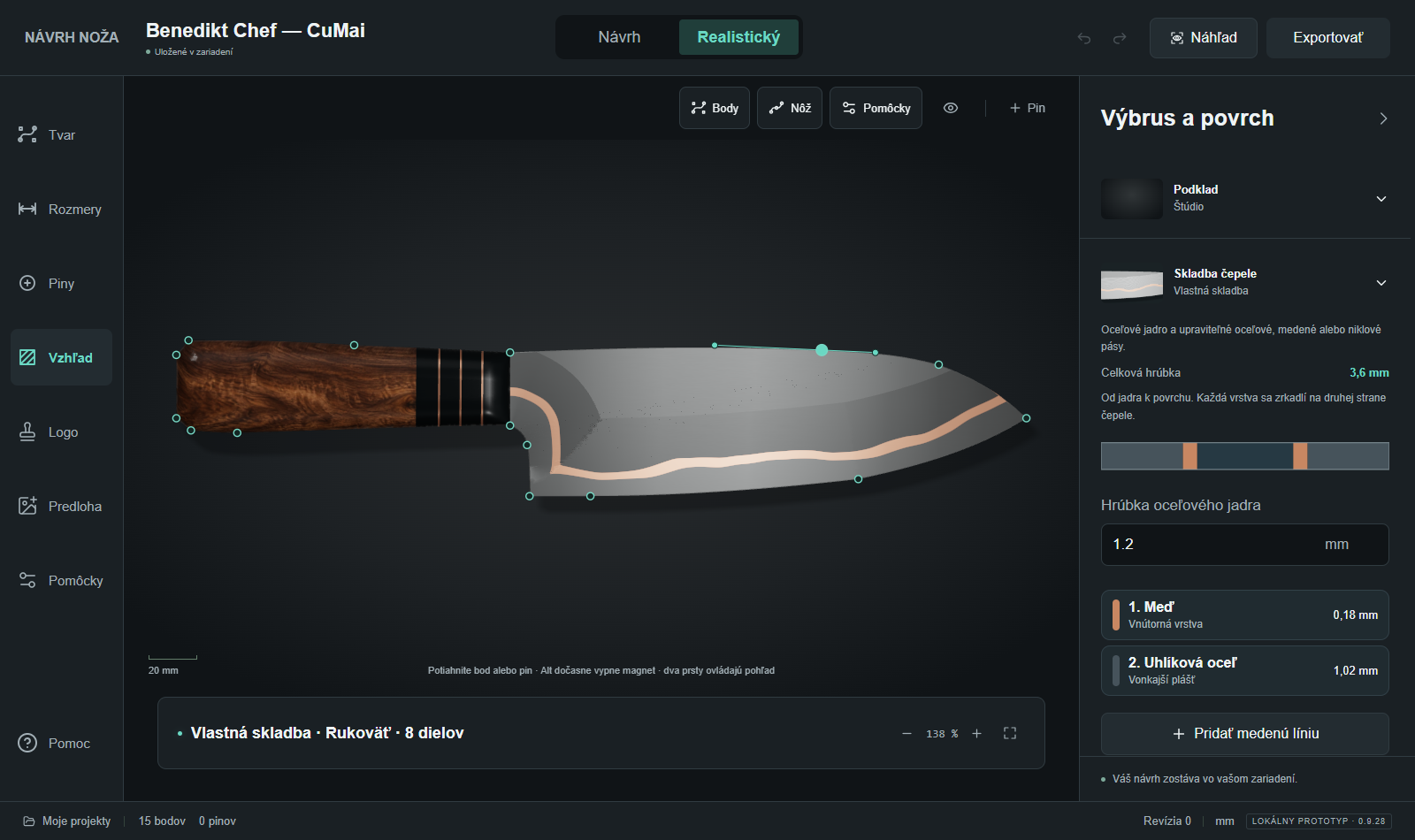
Inspect the profile in vector view and use the realistic preview to explore its appearance.
Compare a handle material, steel finish, grind or supported layer stack. Then explore joints and spacers as the design needs them.
Look at the relationship between the blade and handle. A small material change can help you decide which direction to develop.
The preview supports visual comparison. Real material colour, finish and manufacturing results will vary.
THE FILES
Choose the output that fits your next step and check it before making.
Choose Zálohovať aktuálny návrh
(Back up current design) to keep an editable project file. Use Otvoriť projektový súbor
(Open project file) to continue from a saved backup.
Inspect the blade, tang and nominal holes in compatible design software. Check imported units, dimensions and geometry before using the file in your process.
Studio prepares 1:1 print pages that your browser can print or save as PDF. Use 100% / actual size and measure the 100 mm control marks on the check sheet.
Steel exports describe the steel profile. Review construction, tolerances and your manufacturing process separately.
INSPECT AN EXAMPLE
These fixed example files are available to inspect now. Their dimensions and hidden-tang construction are illustrative, not approved manufacturing drawings.
BEFORE YOU CONTINUE
The current Studio saves projects locally in the browser you use. Clearing browser data can remove them. Download editable backups regularly; an account does not imply cloud storage or sync.
Public trial access is being prepared. The proposed 14-day trial covers one private project, with fixed sample exports to inspect. Your own SVG/DXF and 1:1 print/PDF outputs are planned to unlock after payment.
Read the proposed trial and pricingYOUR NEXT STEP
Check the current access options. If you already have an invitation, continue to Studio and work through the steps above.